
 Eximee Team
The EAA Directive became effective in Poland on June 28, 2025. Starting then, many institutions, including banks, are required to make their online services accessible to people with disabilities by implementing WCAG guidelines. However, it’s important to remember that adjusting the user interface alone may not suffice; systemic changes will be necessary, including employee training and a platform-based approach. How can these changes be implemented effectively? What are the biggest challenges in implementing WCAG guidelines in banks?
The WCAG (Web Content Accessibility Guidelines) are a set of guidelines developed by the W3C (World Wide Web Consortium) aimed at ensuring that digital services are accessible to people with disabilities. According to the EU directive, the European Accessibility Act (EAA), their implementation in banking (as well as in many other sectors) is mandatory starting June 28, 2025.
There are several reasons why it’s worth implementing WCAG in a bank, not just to comply with legal regulations. It’s also about building a positive brand image and being responsive to customer needs. The growing role of digital customer service is important to keep in mind, as it can provide people with disabilities with a way to independently use banking services at their own pace while maintaining full autonomy.
Despite the clear guidelines provided by the W3C, implementing the WCAG in banks presents unique challenges. In this article, we’ll discuss five of the most common issues and how to address them.
Although WCAG guidelines are quite precise, there are many ways to interpret and implement them. This is a subjective issue – two individuals from the same environment may focus on different aspects of accessibility or place emphasis on entirely different areas. As a result, there is no guarantee that the implemented solutions will be complete and fully functional right from the start.
Which aspects of accessibility are more or less problematic?
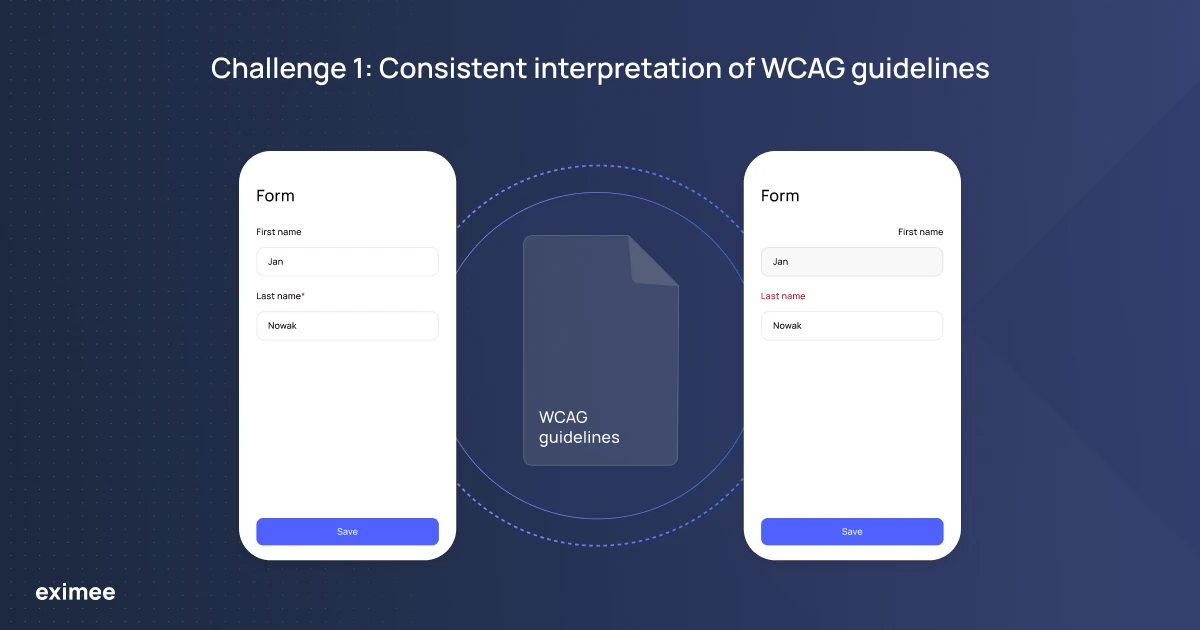
Implementing WCAG guidelines can be challenging, especially when certain aspects are open to interpretation. For example, there are situations where it’s not always possible to clearly determine whether the implementation is correct. Partial compliance with the guidelines can raise concerns, and one such case is the marking of required fields.
Challenge 1: Consistent interpretation of WCAG guidelines
WCAG states that all required fields should be visually indicated, for example with an asterisk “*". However, in practice, this may conflict with a bank’s UX requirements, and the solution may require compromise. Additionally, some improvements may unnecessarily complicate the system’s usability for other users.
The field “Apartment number" can be marked in different ways. In some banking systems, it is marked with a special symbol even though it is not required, while in others, only mandatory fields are marked. These kinds of differences can lead to ambiguity when interpreted by assistive tools, making site navigation more difficult for users.
To ensure consistency, it’s important to collaborate with auditors, develop appropriate solutions, and implement them at the platform level so that they are consistent across the entire application or website.
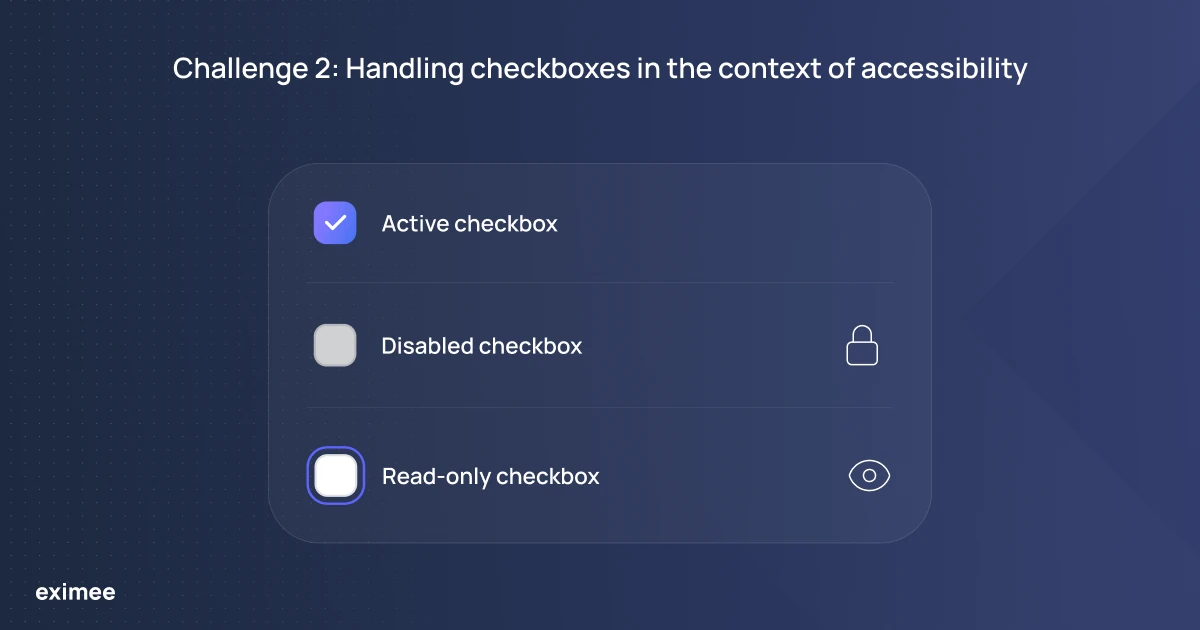
In the context of screen reader navigation, labeling checkboxes as inactive (i.e., those with which users cannot interact) can be problematic, especially when they remain visible to users relying on assistive technologies.
Traditionally, checkboxes were marked as inactive using the disabled attribute, which grayed them out and made them non-interactive.
Nowadays, screen readers skip such elements, which poses a problem when a checkbox needs to be visible and readable but not editable by the user. An example would be a pre-selected additional insurance option that should not be modifiable by the user.
Challenge 2: Handling checkboxes in the context of accessibility
This approach ensures that users with disabilities are aware of the checkbox and its state, even if they cannot interact with it.
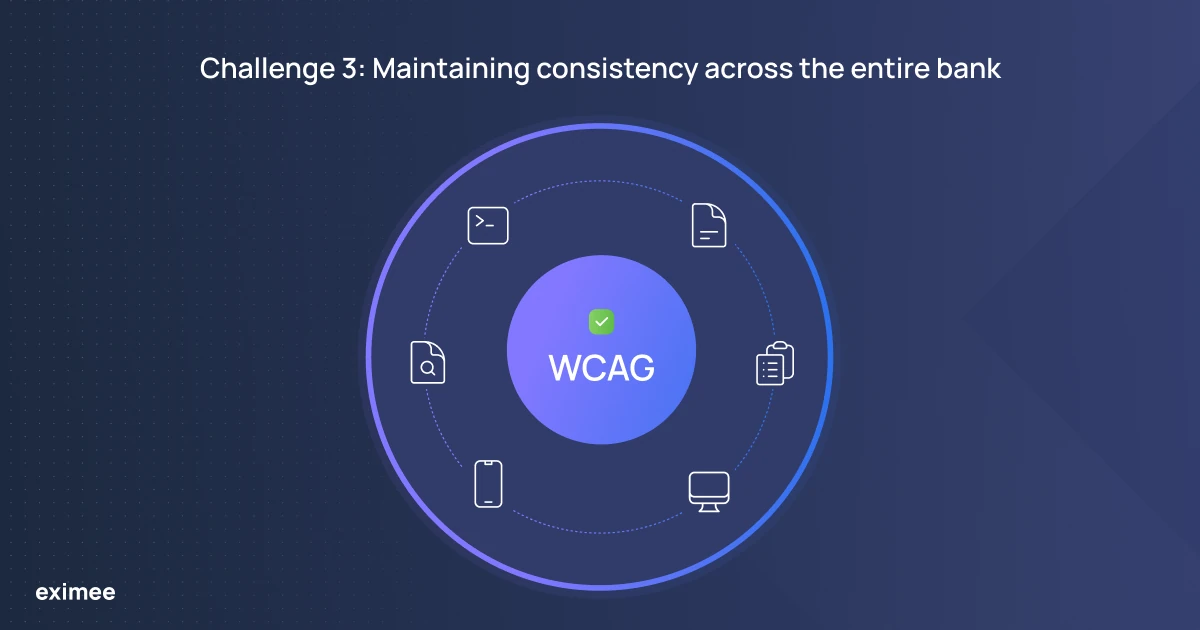
Individual teams within organizations often adopt different internal approaches to ensuring accessibility for all users. To avoid internal inconsistencies, it’s essential to adopt a single, coherent standard and apply it consistently across the entire institution.
Challenge 3: Maintaining consistency across the entire bank
One common issue is the lack of a unified strategy. Without defined guidelines, different teams may implement conflicting solutions, making it difficult to maintain uniformity. Another challenge is determining the appropriate level of WCAG compliance. To effectively monitor progress, the organization must set a realistic implementation goal, such as 80% compliance.
Adapting solutions to the specifics of the financial sector is also a significant concern. Not every WCAG recommendation fits banking processes. Therefore, while implementing changes, it’s important to avoid solutions that could hinder usability for standard users. Additionally, insufficient training of staff can lead to improper implementation of guidelines, even if the documentation is well-prepared.
A crucial component is creating cohesive internal documentation, which helps both technical and business teams apply consistent solutions. This allows the organization to provide accessibility effectively and consistently across the institution.
To successfully implement digital accessibility within an organization, several key steps must be taken to lay the foundation for long-term success.
The first step is to define the vision and objectives. The organization should clearly establish the desired level of WCAG compliance and identify which systems will be covered by digital accessibility efforts. Another crucial element is the development of internal guidelines and documentation. Creating resources such as an internal wiki with accessibility principles can serve as a valuable reference for employees.
The next step involves testing and audits. It is advisable to engage an independent auditing organization to assess the current state of accessibility and identify areas needing improvement. Before solutions are implemented, prototypes and design processes should be tested to avoid errors in the final product. Early testing helps detect issues before they become costly and time-consuming.
Changes should be introduced gradually. For example, one bank set an initial compliance goal of 80% and began by implementing fixes on the desktop version before moving on to the mobile version.
Collaborating with an organization experienced in implementing WCAG guidelines is also beneficial. Ideally, this organization would understand the specific nature of the banking sector and the needs of its customers.
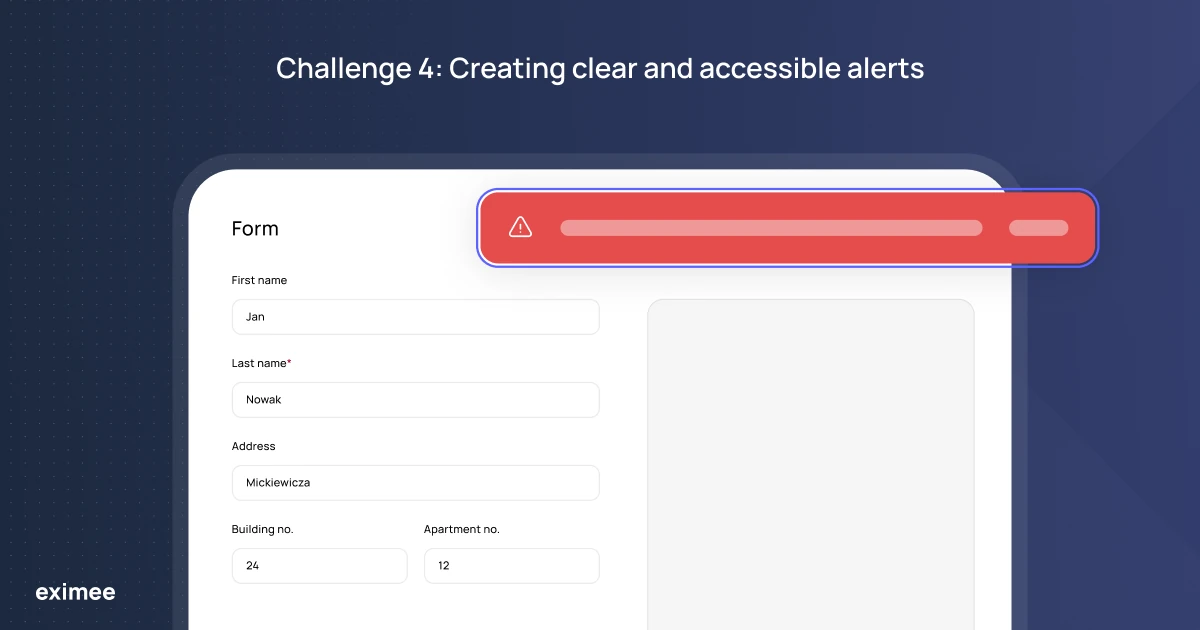
To ensure full accessibility of forms and other interactive elements, errors must be clearly and unambiguously communicated to all users—both those using the application in the traditional way and those relying on assistive technologies such as screen readers. Messages must be visible, understandable, and accessible to everyone.
Challenge 4: Creating clear and accessible alerts
When data is entered into forms, the system should immediately respond to incorrect input by displaying an appropriate message that can be correctly interpreted by assistive technologies. To achieve this, communication elements must be properly labeled, for example using aria-label and aria-description.
Messages must be consistent and concise. The same error should be communicated in the same way, regardless of the device or assistive technology used. Error messages should be clear and contain only essential information. They should also allow users to easily return to the incorrect field to make corrections instead of having to re-enter the entire form.
Testing accessibility across different platforms is challenging due to differences in gesture handling and screen reader behavior. For example, the same heading may be interpreted differently depending on the system. On Android, it may be read as a whole, while on iOS, it might be broken down into separate words or fragments.
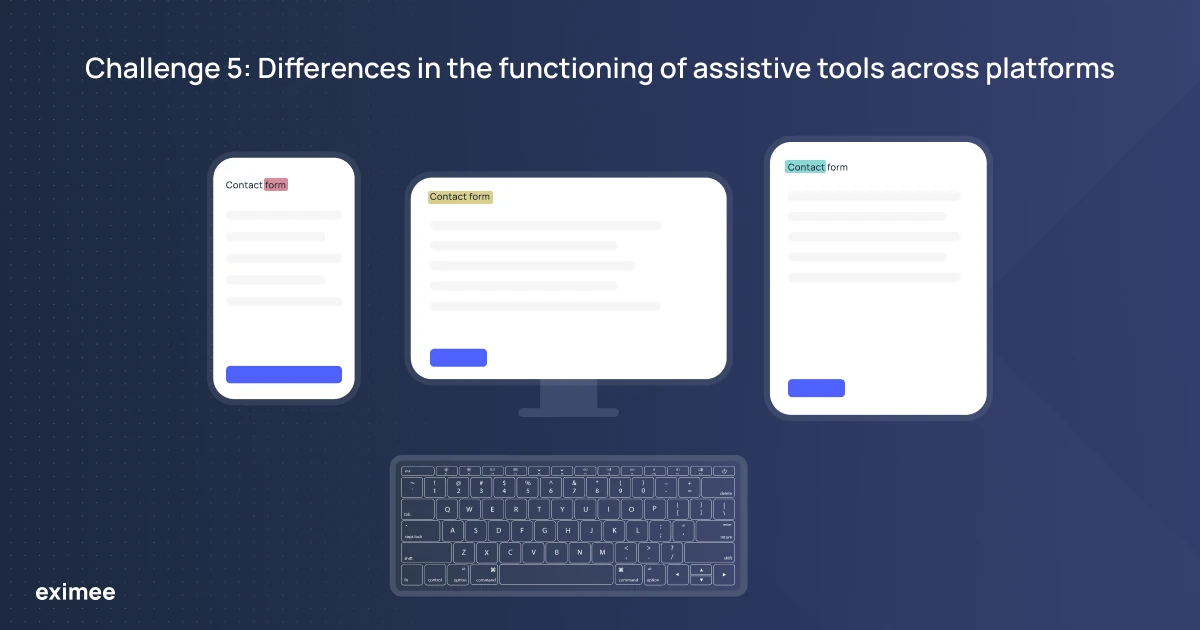
Challenge 5: Differences in the functioning of assistive tools across platforms
Additionally, variations in gesture-based navigation make interaction more difficult for users who switch between devices.
Another challenge involves how systems interpret focus traps, or the first active element on a page. These inconsistencies affect accessibility and can hinder a smooth start to keyboard or screen reader navigation.
To address these issues, it’s important to conduct testing on real devices running different operating systems. This allows teams to identify platform-specific problems.
It’s also recommended to use native system components, which improve compatibility with screen readers and other assistive tools. Equally important is training teams to understand how applications behave differently across systems and to follow best practices in designing accessible solutions.
While automated testing tools like jest-axe can help quickly detect issues, they cannot replace manual testing and in-depth assessment of the user experience.
Involving people with disabilities in the testing process provides valuable real-world feedback and helps uncover issues that may not be evident during technical testing.
Implementing WCAG guidelines in banking is an ongoing process that requires continuous improvement. Challenges that may arise during this process include consistency in interpreting the guidelines, specifics of interactive elements (e.g., checkboxes), maintaining unified standards, correctly displaying alerts, and addressing platform-related differences.
It is essential to clearly define the intended goals and scope of WCAG optimization, conduct proper testing, and implement changes in a systematic way while continuously monitoring the entire process.
Would you like to learn how Eximee supports this process? Schedule a meeting with our specialist!